Pokemon Brick Bronze Rebirth Controls for Roria Adventure
Keyboard, touch, and gamepad inputs—plus field-move and freeze tips from the 4 November 2026 patch.
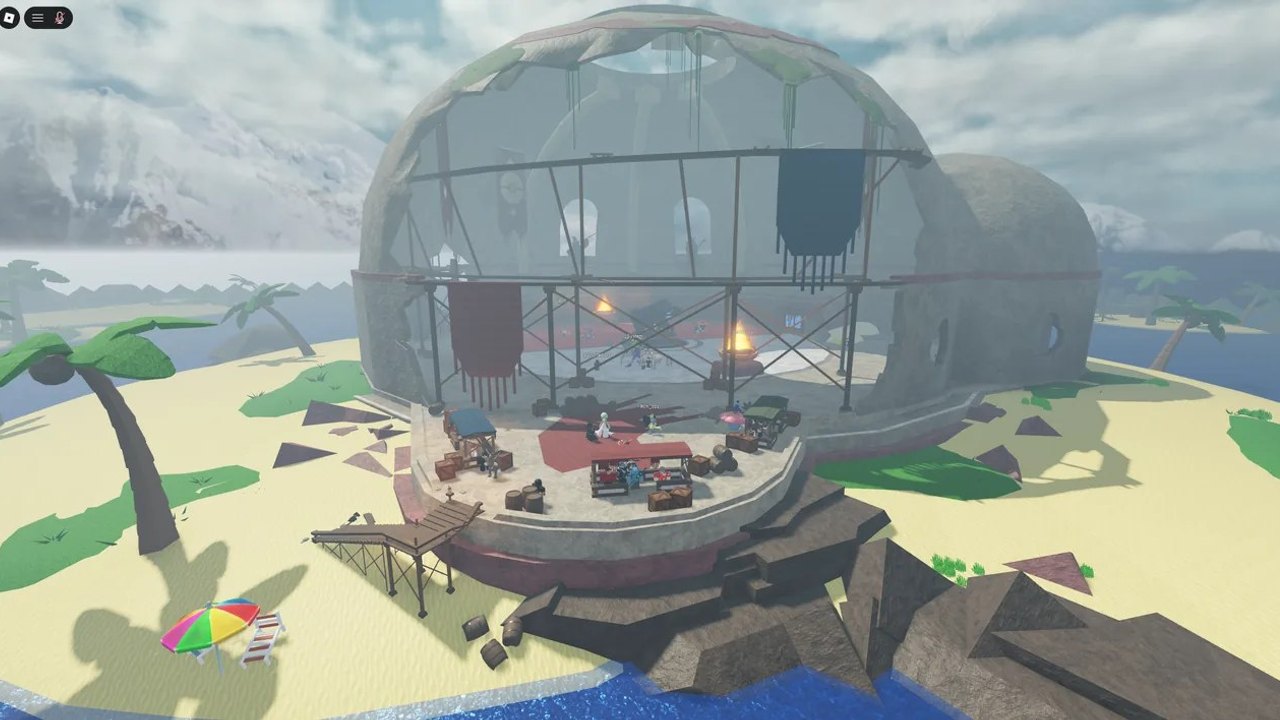
Mastering controls in Pokemon Brick Bronze Rebirth (Project Bronze Rebirth) saves more time than another Rare Candy. This guide covers how Adventure feels on PC, mobile, and console / gamepad, then walks through the 4 November 2026 Big Bug Fix Update changes that reshaped bag navigation, field moves, Fly, and the Recreational Teleportation Device (RTD). Pair it with Getting Started for your first hours, the Gym Walkthrough for badge order, Codes for reward gates, and Updates whenever a patch moves a button.
Rebirth still runs on Roblox’s shared input layer, so camera, jump, and chat bindings can follow your Roblox Settings while menus, bag tabs, battles, Fly, Surf, and RTD are experience-specific. If a binding feels wrong after a reupload, open Roblox Settings → Controls / Keyboard & Mouse, then rejoin Adventure from bronzerebirth.com or the current place link.
PC keyboard and mouse basics
On desktop, treat movement like a standard Roblox adventure and menus like a classic Pokémon client:
- Move with
WASD(arrow keys also move in many setups). - Camera with the mouse; scroll to zoom when the experience allows it.
- Jump with Space when ledges or parkour gym paths demand it (Brimber’s approach is the usual first test).
- Interact by clicking NPCs, doors, signs, items, and battle prompts. If a click does nothing, click once inside the game window so focus returns from the browser or Discord.
- Menu / Bag / Party / Save / Options live on the left-side Adventure UI. Save often before Fly, Surf, fishing, or long cutscenes.
- Battles use the familiar Fight / Bag / Pokémon / Run layout. Pick moves with the mouse; keyboard focus sometimes jumps into chat—click the battle panel again if keys stop responding.
- Shift Lock (Roblox setting) helps when you need strafing on narrow gym tiles or ship corridors in Crescent.
PC players who also plug in a controller should pick one primary device per session. Mixing mouse clicks with D-pad focus in the bag was a common freeze trigger before the November fix.
Mobile and tablet touch
Phones and tablets use Roblox’s dynamic thumbstick plus on-screen action buttons:
- Left thumbstick moves your trainer; drag elsewhere to pan the camera.
- Jump uses the on-screen jump control when parkour appears.
- Tap NPCs, doors, and battle buttons. Double-taps that open the Roblox app chrome instead of the game usually mean you tapped outside the experience frame—tap back into the play area.
- Bag and party open from the Adventure menu icons. On smaller screens, scroll carefully; the EV Gained popup and other overlays were specifically polished for phones and tablets in the 4 November 2026 ship.
- Landscape orientation gives more room for bag tabs and battle menus. Portrait play works but makes D-pad-style bag navigation harder if you later dock a Bluetooth controller.
Mobile players grinding long shiny routes should keep the device charged, disable aggressive battery savers that throttle Roblox, and avoid switching apps mid-Surf or mid-Fly—those transitions used to strand softlocks more often than clean quits.
Console and Bluetooth controllers
Gamepad support matters for living-room play and for PC users who prefer a DualSense / Xbox pad. Expect:
- Left stick movement, right stick camera.
- Face buttons for confirm / cancel / jump depending on Roblox’s binding map.
- D-pad for menu and bag focus once you are inside UI panels.
- Shoulders / triggers for cycling tools or confirming battle actions when the UI exposes them.
November 4, 2026 bag controller fixes
The Big Bug Fix Update called out two bag pain points that frustrated controller trainers for months:
- D-pad up now reaches the bag tabs. You can move focus from the item list into the category tabs without fighting the cursor.
- The controller cursor no longer lands on the bag search box and pops the on-screen keyboard. Accidental keyboard overlays used to eat inputs and feel like a soft freeze.
Practical habits after the patch:
- Open the bag, tap D-pad up once or twice to confirm tab focus, then left/right across categories before scrolling items.
- Avoid bumping the right stick into the search field out of habit—the fix stops the keyboard spam, but search is still easier with a real keyboard on PC.
- If the cursor still feels sticky after a reupload, close the bag fully, reopen it, or rejoin once; do not mash the search box.
Field moves: badge-gated without teaching the move
A major Adventuring change in the same update: Cut, Rock Smash, Rock Climb, Surf, and Dive only need the matching gym badge now—you no longer must teach the move to a party Pokémon to clear the obstacle. That frees moveslots for combat coverage while you push the Gym Walkthrough order:
| Field tool | Typical story timing | Notes |
|---|---|---|
| Cut | Early badges (Silvent era in classic Roria) | Clear small trees blocking side paths |
| Rock Smash | Mid-early rock puzzles | Break cracked rocks for shortcuts and items |
| Rock Climb | Mid badges (Fluoruma-era climbs in classic layouts) | Vertical faces on mountain routes |
| Surf | Later water crossings (often Frostveil-era unlocks) | Cross water tiles; watch for fishing softlocks |
| Dive | Deep-water segments when the story opens them | Underwater routes; badge still required |
Fly remains your long-distance town hop once unlocked (Anthian-era Fly access is the usual Brick Bronze expectation—confirm on your build). Defog outside of battle had a bug that broke field-move buttons; that was fixed on 4 November 2026, so if buttons vanished after Defog, update and rejoin.
Because badges gate the tools, rushing Crescent without Silvent→Brimber→… progress still fails even if your box holds HM tutors. Keep redeeming codes after each badge so balls, candies, and BP arrive when travel options expand.
Fly and RTD tips
RTD (Recreational Teleportation Device) is handed over by rival Jake after you beat Chad in Silvent Gym. The green RTD control appears near the left menu and lets you hop between Adventure, Battle Colosseum, and Trade Resort, plus player search. The game asks you to save before teleporting—always accept that prompt.
November 2026 also fixed:
- RTD trips that dumped you on the title screen instead of continuing.
- Missing RTD / Ro-Power UI for some accounts and Fly to Silvent failures.
- Black screens when Fly fails, plus black screens leaving Gym 8 onto water.
Tips that still matter:
- Save manually before Fly or RTD, even after the fixes.
- If Fly’s destination list looks empty, rejoin Adventure and confirm you actually hold the required badge progress.
- Do not spam cancel mid-Fly animation; see the freeze section below.
- Use RTD for Colosseum BP sessions, then RTD back to Adventure—badge progress for codes still lives on the Adventure save.
- After Crescent and League pushes, Fly beats walking every side route again when you reclaim codes or restock centers.
Avoiding freezes and softlocks
The 4 November 2026 notes fixed a long freeze list. Knowing the old triggers still helps if a private server lags behind or a new edge case appears:
- Fly → Cancel used to freeze the trainer. Prefer confirming the destination or waiting out the animation instead of panic-canceling.
- Failed fishing and Surf edge cases froze movement. If a cast fails, wait a second before recasting; if Surf starts on a bad tile, step back to shore and retry.
- Wheel Home / Tutor options, failed item pickups, and some NPC clicks also froze players—fixed, but still avoid mashing during error toasts.
- Black screens after losses, doors, cave gates, and Continue flows were hardened with recovery logic. If you still see one, wait for the recovery, then Save from a Poké Center.
- Safari Zone exit voids that forced a Fly escape were fixed; you should return to the lodge when balls run out.
If you do softlock: do not spam RTD. Force-close Roblox, relaunch from the official play path, and Continue. Check Updates for newer freeze notes before assuming your install is unique.
Battle, bag, and quality-of-life habits
- Keep a lean bag: balls, potions, status heals, a few Rare Candies. Search is nicer on keyboard; controllers should use tabs first.
- In 2D battles, classic Mega / Dynamax buttons returned; newer art stays in 3D battles—do not hunt missing buttons in the wrong camera mode.
- Summary Memo now shows meet location, steps together, friendship, and win/loss counts—useful when breeding or picking a lead for Surf routes.
- Rematches against beaten trainers no longer double-pay EXP/money; talk to them when you want practice without inflating levels past caps.
Suggested control checklist before each session
- Confirm you are on the current place (reuploads move IDs—see Updates).
- Claim eligible codes for your badge count.
- Test bag tab focus once on controller if that is your main input.
- Note which field tools your badges already unlock so you do not waste a party moveslot teaching Cut or Surf.
- Save at a Center, then Fly / RTD / Surf with intention.
New trainers should finish Getting Started before optimizing inputs. Mid-game explorers should keep the Gym Walkthrough open while unlocking each field tool. When a patch changes a menu label, trust the latest official notes over any single screenshot in Discord.
Frequently Asked Questions
Quick answers to the most common Pokemon Brick Bronze Rebirth questions.
Do I still need to teach Cut or Surf in Pokemon Brick Bronze Rebirth?
No. As of the 4 November 2026 update, Cut, Rock Smash, Rock Climb, Surf, and Dive only require the matching gym badge—you do not need the move on a party Pokémon.
What controller bag bugs were fixed in November 2026?
D-pad up now reaches the bag tabs, and the cursor no longer lands on the search box and opens the on-screen keyboard by accident.
When do I unlock the RTD?
Rival Jake gives the Recreational Teleportation Device after you defeat Silvent Gym Leader Chad. It teleports between Adventure, Battle Colosseum, and Trade Resort.
How do I avoid Fly or Surf freezes?
Save first, avoid canceling mid-Fly, and retry failed fishing or Surf from a safe tile. The November 2026 patch fixed many of these freezes, but careful habits still help on laggy servers.
Are mobile controls different from PC?
Yes. Mobile uses a thumbstick, jump button, and tap targets for menus and battles, while PC relies on WASD, mouse camera, and clickable UI. Controllers add D-pad bag navigation on top of either.